

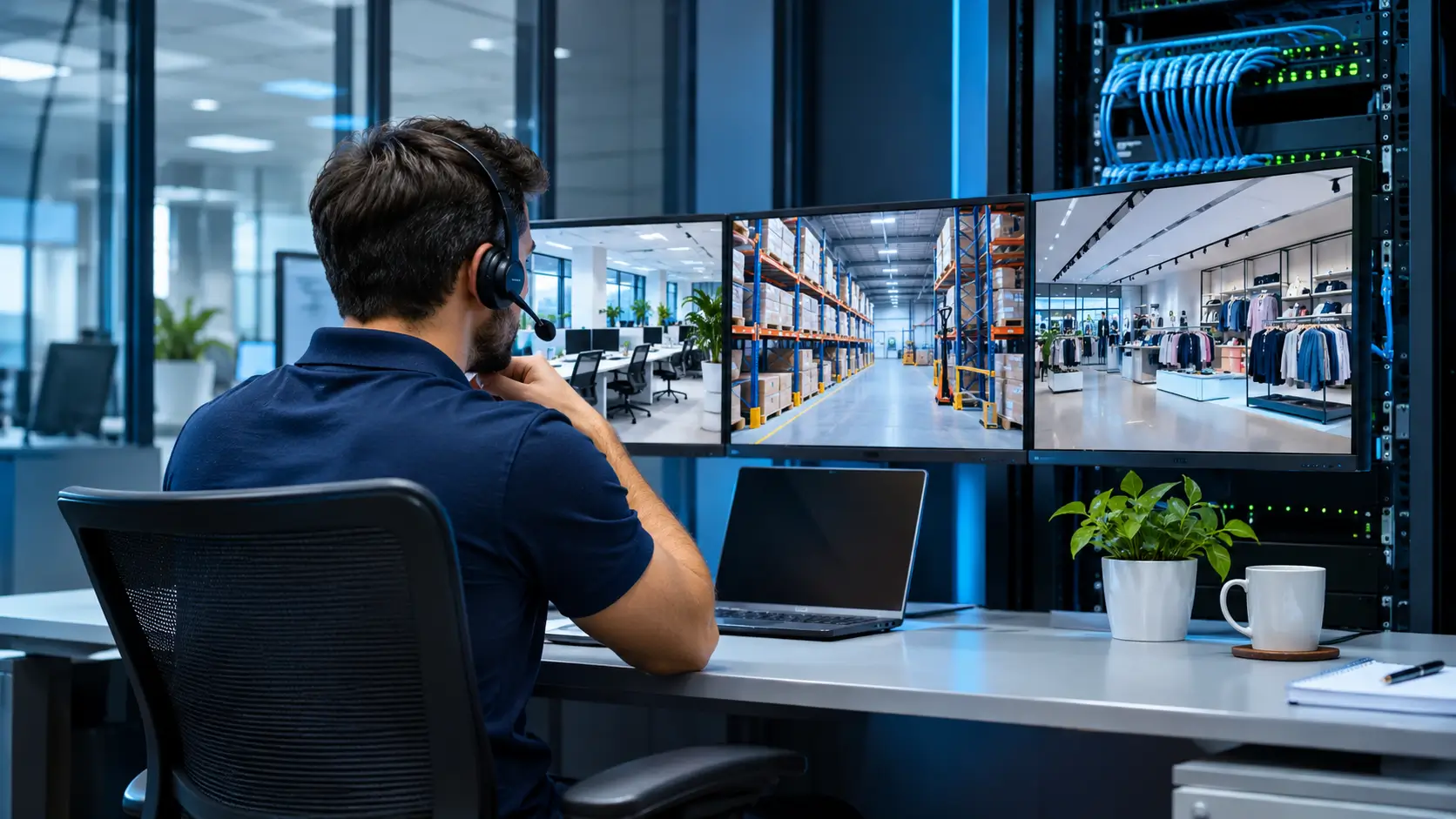
5 Key Takeaways About Multi-Site IT Support
- Coordinated management helps maintain networks, equipment, and technology services across different locations.
- Combining remote and on-site support makes it possible to address different types of incidents.
- Standardizing equipment and procedures simplifies maintenance.
- Up-to-date documentation speeds up troubleshooting and fault tracking.
- An IT infrastructure provider can help coordinate services according to the needs of each location.
Managing technology for a business with multiple locations requires coordination, planning, and monitoring. Each location may have different equipment, internet service providers, networks, and operational needs, making organized management essential.
IT support for businesses with multiple locations helps address incidents, assess infrastructure, and establish common procedures to keep technology operations running smoothly.
Its scope may include connectivity, networks, IT equipment, structured cabling, and security systems.
At ITNETWIDE, we offer technology infrastructure, connectivity, networking, and technical support solutions for businesses that need to coordinate their technology resources and keep operations connected across multiple locations.
Connectivity plays an important role in this process. An internet outage or local network issue can affect communications, access to applications, and information sharing between locations.
Distance between sites presents another challenge.
Some issues can be resolved remotely, while others require an on-site technician to inspect connections, install devices, or replace components.
As a business grows, the need to maintain up-to-date inventories, track installed equipment, and coordinate maintenance activities increases.
Organized management helps identify the needs of each location and plan interventions more effectively. Coordination between IT managers and local teams is equally important.
Having defined channels for reporting issues and clear support procedures makes it easier to track requests and helps reduce disruptions to daily activities.
Choosing the right support model helps organize resources, improve incident response, and maintain consistent technology standards. The following sections cover the key factors to evaluate when managing IT infrastructure across multiple locations.
What Is IT Support for Businesses with Multiple Locations?
Multi-site IT support brings together the technical services and procedures needed to maintain the technology infrastructure of an organization operating from different locations.
It includes managing routers, switches, Wi-Fi access points, servers, structured cabling, and end-user devices. It also covers preventive maintenance, hardware installation, fault diagnosis, and remote or on-site technical assistance.
Unlike support focused on a single office, multi-site management must account for the specific conditions at each location while maintaining an overall view of the infrastructure.
For example, a business with administrative offices, retail locations, and distribution centers adapts its technology services to the characteristics of each facility while maintaining common security and connectivity standards. This approach connects all locations to the same corporate systems.
Main Technology Challenges for Multi-Site Businesses
Networks and Internet Service Providers
Each location may use a different internet service provider, depending on coverage and business requirements. This diversity can make troubleshooting more difficult when an application stops working or a location loses connectivity.
Identifying the cause requires checking whether the problem lies with the provider, the local network, the equipment, or the service being used. Maintaining records of connections, devices, and configurations makes this process easier.
Differences in Equipment and Configurations
Over time, locations may accumulate devices from different brands, models, and generations. These differences can complicate maintenance and create compatibility issues.
Establishing standards for equipment and configurations simplifies administration. These standards should reflect the needs of each location, since an administrative office may require a different infrastructure setup from a warehouse.
Remote Technical Support
When an issue occurs at a distant location, it is important to determine whether it can be resolved remotely or requires an on-site intervention.
Establishing these criteria helps allocate resources and coordinate technician travel. It also makes it possible to define response times and establish the scope of service according to each location’s needs.
Network Security
All locations should follow consistent policies to protect equipment, access credentials, and corporate information. Password management, software updates, network segmentation, and permission reviews help maintain a more secure infrastructure.
What Should a Multi-Site IT Support Service Include?
The scope of service depends on the company’s size, infrastructure, and the importance of technology services to its operations.
Here are some key components to evaluate.
Network and Connectivity Management
Depending on the agreed scope, the service may include inspecting routers, switches, Wi-Fi access points, and other network devices. These tasks help diagnose connectivity issues, verify configurations, and assess performance.
Reviewing wireless coverage at each location makes it possible to adjust connectivity to the characteristics of the space. Floor plans, user numbers, and connected devices help determine the conditions needed to maintain a stable signal.
Remote and On-Site Support
Remote support makes it possible to review configurations and resolve certain issues without sending staff to the location. It is useful for incidents that can be diagnosed through remote access tools or technical guidance.
On-site support is necessary for tasks such as installing hardware, organizing cabling, inspecting physical connections, or replacing devices.
Before hiring a service provider, check the geographic coverage, support hours, incident reporting channels, and agreed response times.
Preventive Maintenance
Maintenance helps identify problems before they cause disruptions. It may include cable inspections, network equipment checks, rack inspections, and configuration updates.
In a multi-site business, these tasks should be scheduled and documented to keep track of the work performed at each location.
Incident Management
An organized process makes it easier to register requests, assign priorities, and track incidents through resolution. For example, an issue affecting an entire location receives higher priority than an individual request.
The incident record should include the affected location, a description of the problem, the actions taken, and the outcome. This information speeds up troubleshooting and guides the response if the issue occurs again.
Technical Documentation
Documentation may include equipment inventories, network diagrams, connection details, relevant configurations, and recovery procedures.
Keeping these records up to date helps technicians work more efficiently and reduces reliance on a single person’s knowledge. It also supports infrastructure upgrades and future expansion planning.
How Can You Centralize IT Support?
Centralized management helps coordinate locations through shared processes without requiring every site to have exactly the same equipment or configurations.
- Establish technology standards: Define criteria for selecting devices, managing access, updating equipment, and recording incidents. These guidelines simplify maintenance and help maintain a consistent infrastructure.
- Create an inventory for each location: Record installed equipment, its purpose, its condition, and connectivity providers. This information helps plan interventions and identify critical components.
- Define support priorities: Establish how incidents are classified, who handles them, and when they should be escalated. This gives each request a clear process.
- Measure performance: Review indicators such as response time, resolution time, and the frequency of recurring incidents. The results help identify persistent problems and determine improvement measures.
What Should You Check Before Hiring a Provider?
Before comparing proposals, identify how many locations need support, what equipment each one uses, and which services are essential to business operations.
Check what the service includes.
Each proposal offers different support options, ranging from computer and application management to comprehensive solutions for networking, connectivity, structured cabling, equipment installation, and on-site assistance.
Review the scope of each proposal to identify the included services and the fees associated with additional work.
Geographic coverage is another important factor. If the business operates in different cities, ask where on-site support is available and how requests from remote locations are handled.
Finally, review how interventions are documented, how technical information is protected, and who is responsible for updating the inventory. These conditions make it easier to monitor service delivery and maintain continuity in technology management.
At ITNETWIDE, we integrate networking, connectivity, and technical support solutions to help keep your technology infrastructure running efficiently.
When Should You Centralize IT Services?
As a business grows, technology management plays an increasingly important role in coordinating operations. Centralizing these services helps align the needs of each location with a shared technology strategy.
This approach makes it possible to standardize security requirements, establish shared support channels, and coordinate equipment and network maintenance across all locations. Each site benefits from clear guidelines and management aligned with the organization’s objectives.
Centralization provides an overall view of the technology infrastructure and makes it easier to plan resources, monitor technical tasks, and adapt services as the business grows.
How Does ITNETWIDE Support Business Technology Infrastructure?
At ITNETWIDE, we help strengthen business technology infrastructure through connectivity, networking, structured cabling, equipment installation, and on-site technical support solutions.
Each service offered through ITNETWIDE https://itnetwide.com/ addresses organizations’ operational needs and helps integrate the technology resources that support their daily activities.
We work with businesses to manage and develop their infrastructure, focusing on connectivity, service coordination, and the efficient operation of their different locations.
This approach helps create technology environments that support business operations and accommodate future growth.
Read more articles on our blog for additional guidance on networking, connectivity, and technology infrastructure to help optimize your company’s resources. Keep learning with our content and stay informed about practical ways to manage your IT environment.
Frequently Asked Questions
What is multi-site IT support?
It is a technology management and assistance service for businesses operating from two or more locations. It may include connectivity, networking, equipment, maintenance, and incident response.
Is it better to have an in-house team or hire an external provider?
It depends on the company’s needs and resources. An in-house team has direct knowledge of daily operations, while an external provider can offer additional technical expertise and broader coverage. Both models can complement each other.
How can incident response be improved across multiple locations?
Establishing a reporting channel, classifying incidents according to their impact, documenting interventions, and defining escalation procedures are important steps. An up-to-date inventory also makes troubleshooting easier.
What information does a multi-site IT support provider need?
The provider needs to know the locations, equipment inventory, internet service providers, critical systems, operating hours, and remote or on-site support requirements. This information helps the provider define a service that matches the company’s infrastructure.
